Mobile Device Management
Manage and secure devices across every operating system
Configure, monitor, and enforce device policies across macOS, Windows, iOS, Android, and more. Devices stay compliant, up to date, and secure from day one through ongoing use.
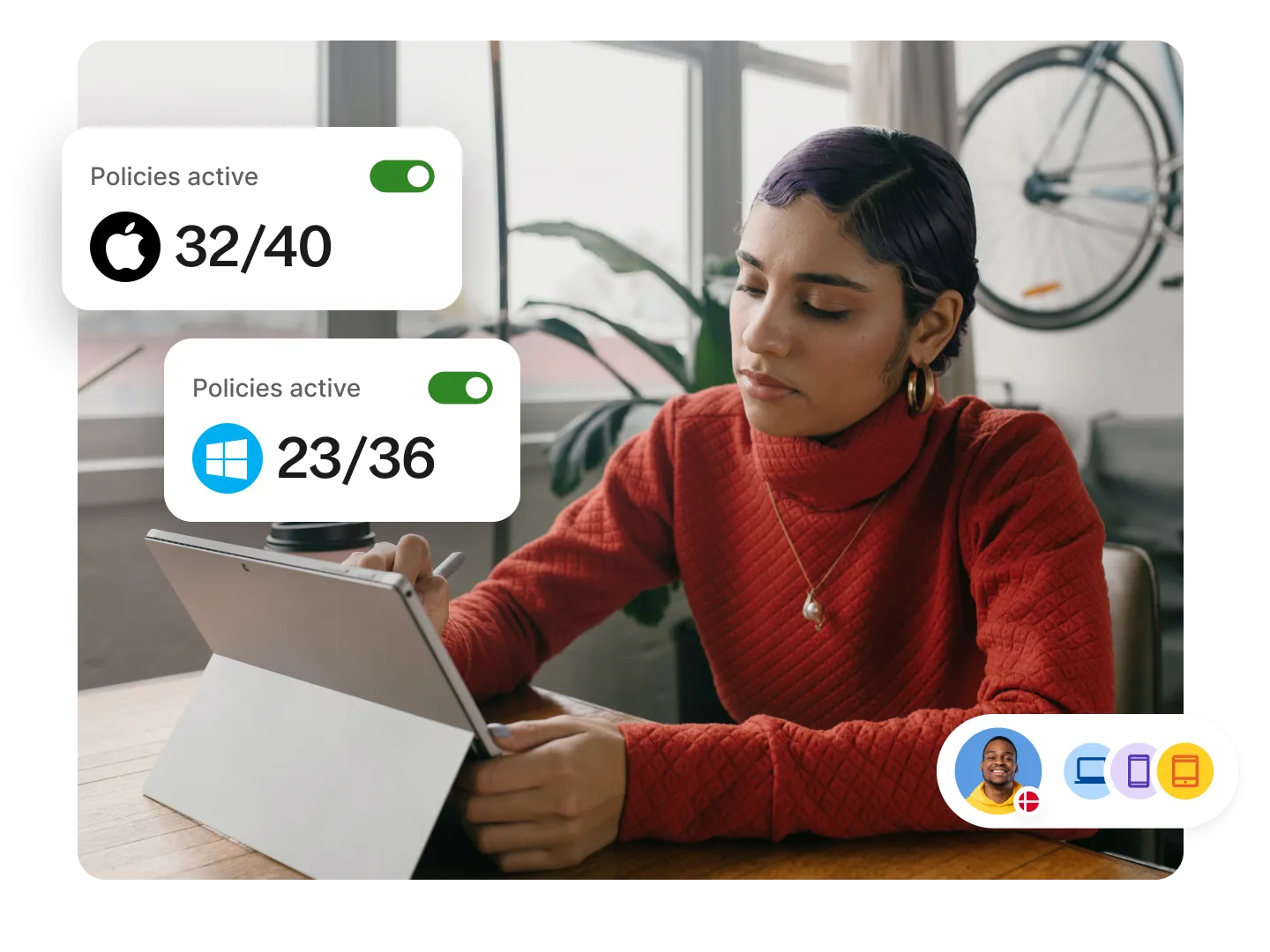


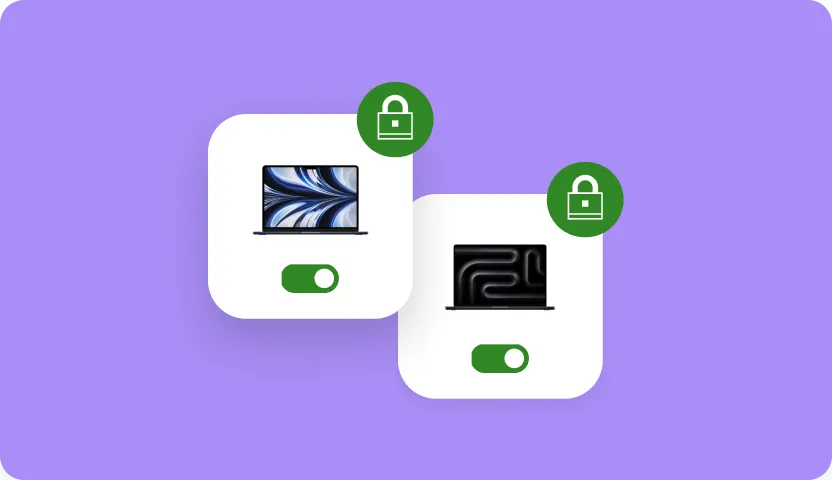
Secure, compliant devices
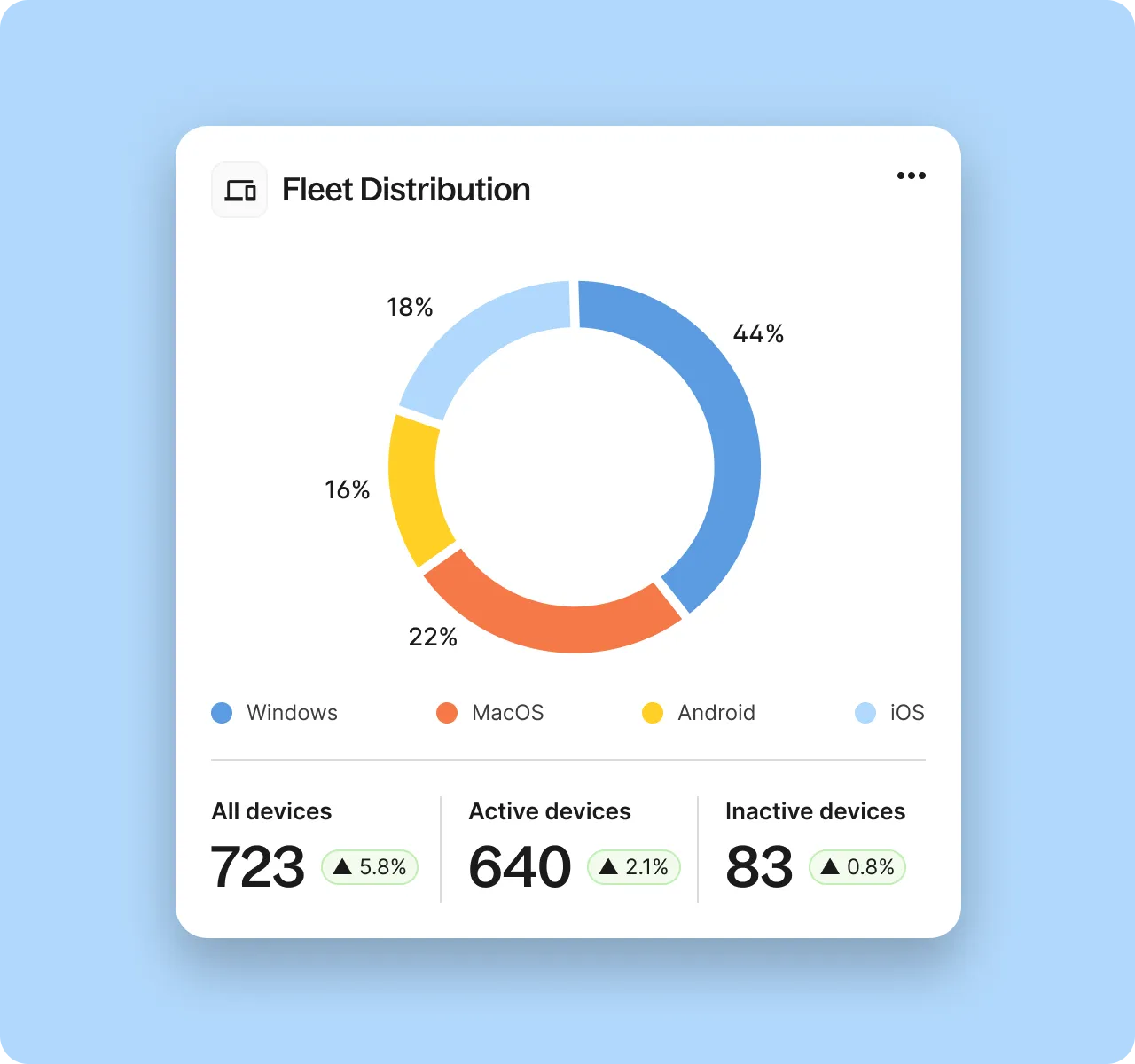
See and manage every device from one place
Without centralized device management, updates, settings, and compliance controls fall out of sync. Keep device fleets compliant and ready for use with real-time visibility and policies automatically enforced across operating systems.
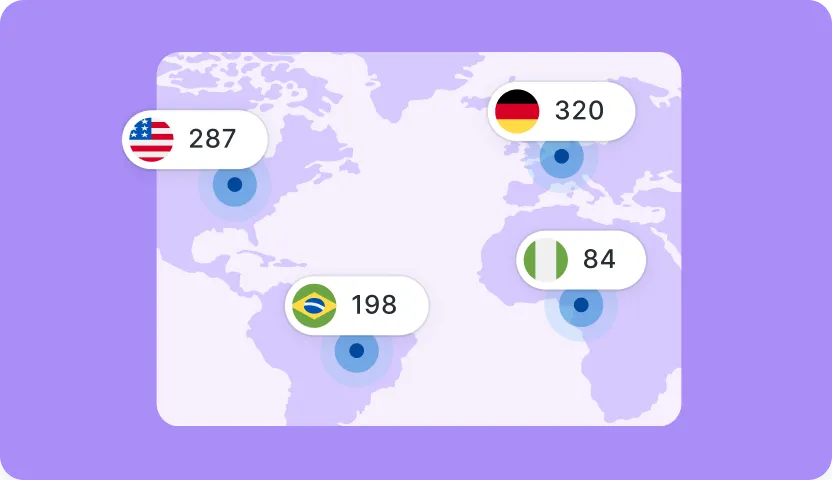
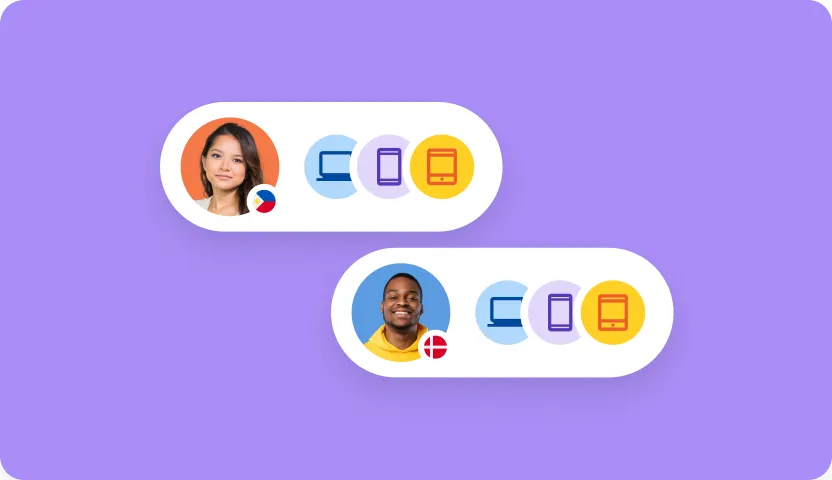
Truly global control
One platform to manage, secure, and stay compliant across every device
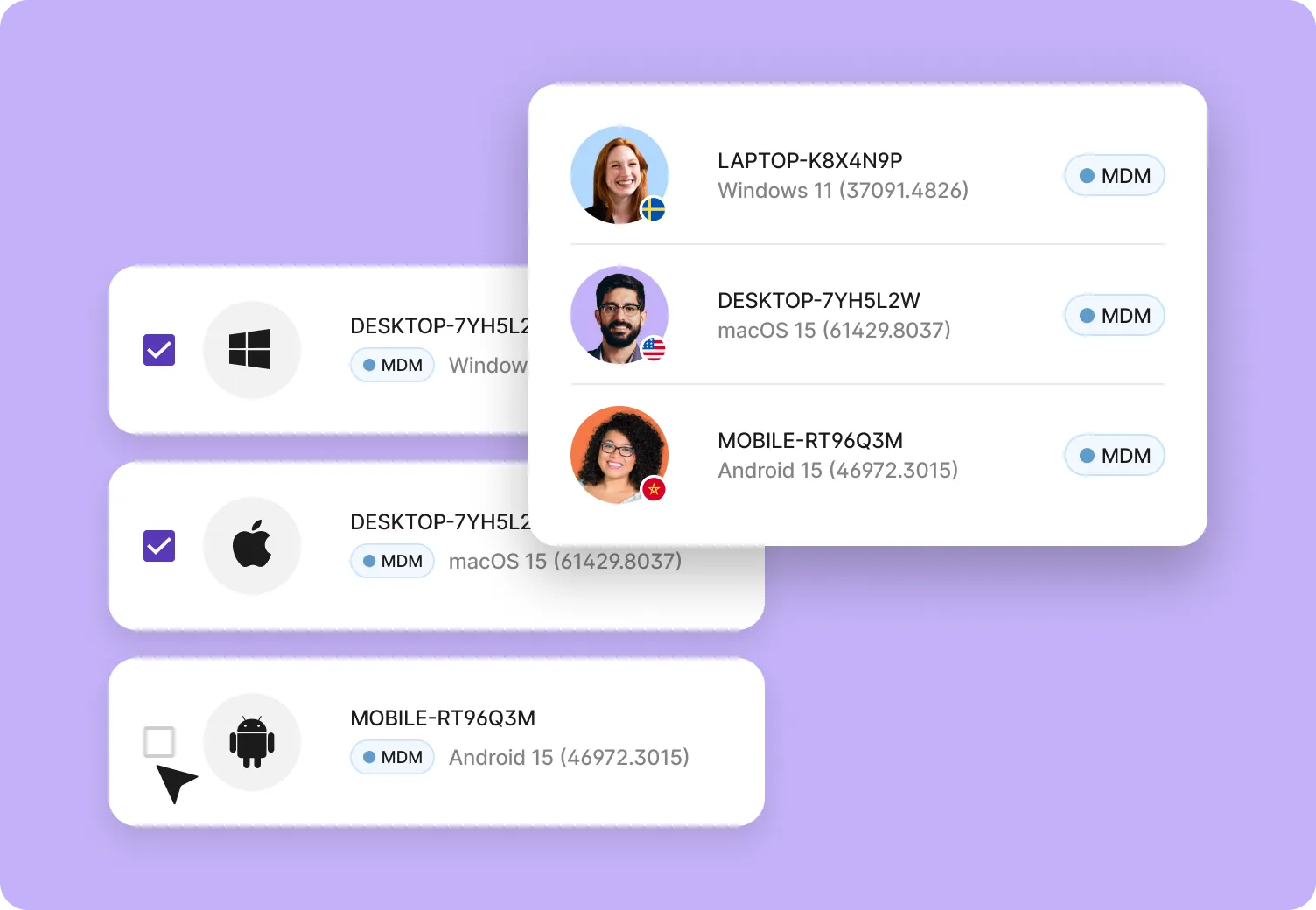
Keep every device connected and protected
Laptops and mobile devices stay secure and up to date wherever they are. One dashboard gives IT teams peace of mind—no chasing or guesswork.


Claudia Korenko
People Operations Manager at Sastrify


Cath Hammond
People Operations Manager at Filtered


Renjith Radhakrishnan
Head of IT at Tamara


FAQs
Can I enroll devices into Apple Business Manager (ABM)?
Yes. Deel IT supports zero-touch enrollment through Apple Business Manager, so devices arrive already enrolled in your MDM and configured according to your policies.
Can Windows devices be enrolled with Autopilot?
Yes. Windows devices can be enrolled through Autopilot and configured with your required policies before or shortly after deployment, depending on device and region.
What operating systems does Deel IT MDM support?
Deel IT MDM supports Windows, macOS, Linux, iOS, and Android. Policies and controls are applied based on each operating system’s capabilities, while management stays centralized in one platform.
Can I enforce different policies by operating system?
Yes. IT teams can apply OS-specific policies while maintaining a consistent management framework. This allows you to enforce the right controls on each device without managing separate tools.
What happens if zero-touch enrollment isn’t available?
If zero-touch enrollment is not possible, devices can still be enrolled after delivery. IT teams retain visibility and control, and devices are brought into compliance as quickly as possible.
How does Deel IT help with device compliance?
Deel IT continuously tracks device state, enrollment health, and required configurations. Compliance issues like expired certificates or missing policies are visible in real time, reducing audit risk and manual tracking.
Can I use Deel IT MDM with my existing tools?
Yes. Deel IT works alongside existing IT systems and identity providers. If you already use another MDM or directory service, Deel IT can integrate into your current workflow rather than replace it outright.
How does MDM scale as our team grows?
As new devices are added, they inherit the same policies and management controls automatically. IT teams don’t need to reconfigure settings or expand tooling as headcount changes.
How is Deel’s MDM different from standalone MDM tools?
Traditional MDM tools focus only on device policies. Deel’s MDM is embedded into the broader IT workflow, connecting devices to identity, access, and support. This lets IT enforce security, troubleshoot issues, and manage devices globally without layering multiple tools.
Resources to get you started
We’ve poured our expertise into a series of thoughtfully crafted, easy-to-follow guides, blogs, and webinars for all business sizes.




Other ways you can automate with Deel IT
Deel makes growing remote and international teams effortless
150+
countries
40,000+
customers
$20B+
compliantly processed global payroll
90+
NPS for enterprise customers